How to Safely Transition from Angle to Acro Mode: A Step-by-Step Simulator Training Guide
6 July 2026
Mastering a drone requires more than just pushing joysticks; it demands a deep understanding of flight dynamics. For many beginners, the biggest hurdle in FPV (First-Person View) drone training is the transition from Angle mode to Acro (Manual) mode. While Angle mode offers self-leveling stability, Acro mode unlocks the true agility and speed required for professional operations, drone racing, and advanced aerial cinematography.
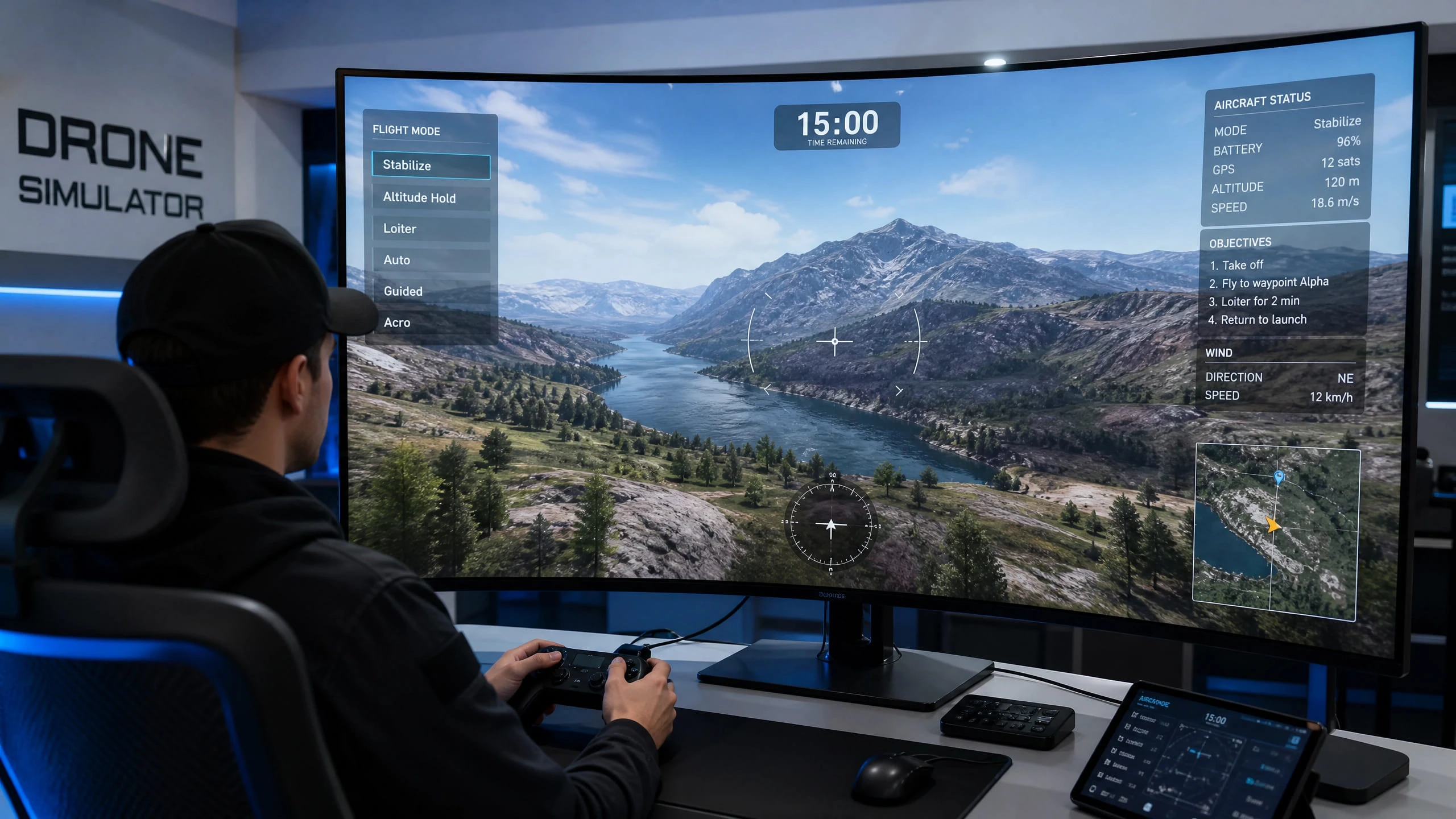
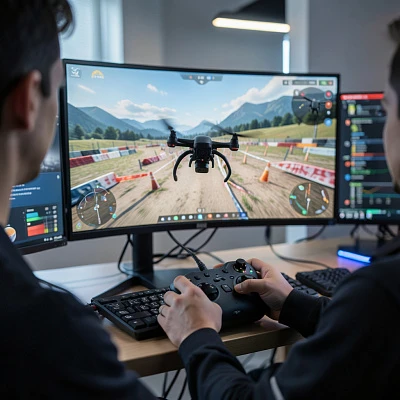
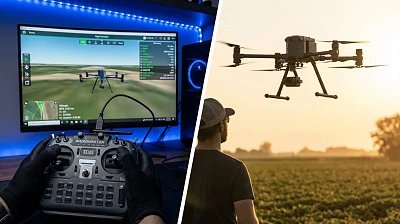
However, jumping straight into Acro mode with a real drone often leads to costly crashes. This is where a professional drone flight simulator software becomes an invaluable tool. By using the UAVProf Drone Simulator, pilots can build the necessary muscle memory and reflexes in a risk-free environment.
Understanding the Difference: Angle vs. Acro Mode
Before beginning your training, it is crucial to understand how these flight modes differ and why Acro mode is essential for advanced drone pilots.
Angle Mode (Self-Leveling): In this beginner-friendly mode, the drone's flight controller uses gyroscopes and accelerometers to keep the aircraft level. When you release the pitch or roll stick, the drone automatically returns to a horizontal hover. Furthermore, the maximum tilt angle is restricted, preventing the drone from flipping over. This is excellent for basic aerial photography and learning spatial orientation.
Acro Mode (Rate/Manual Mode): Acro mode removes the self-leveling safety net. The joysticks no longer control the angle of the drone; instead, they control the rate of rotation. If you push the stick forward and release it, the drone will maintain its forward tilt until you manually apply a counter-movement to level it out. This requires constant micro-adjustments but allows for smooth, continuous cinematic shots, flips, rolls, and high-speed maneuvers.
Step 1: Master the Basics in Angle Mode First
Do not rush the process. Before attempting Acro, ensure you are completely comfortable flying in Angle mode within the simulator. You should be able to confidently perform basic maneuvers such as taking off, hovering, coordinated turns (using yaw and roll simultaneously), and precise landings.
The UAVProf Drone Simulator offers dedicated training missions, such as "Basic Maneuvers: Pitch, Roll, and Yaw," which are perfect for solidifying these foundational skills. Only move to the next step when these movements feel natural and automatic.
Step 2: Introduction to Horizon Mode
Many pilots find it helpful to use Horizon mode as a stepping stone. Horizon mode is a hybrid: it self-levels when the sticks are near the center (like Angle mode) but allows for full flips and rolls when the sticks are pushed to their maximum limits (like Acro mode).
Practicing in Horizon mode within the simulator helps you get accustomed to the drone's behavior at extreme angles without the constant pressure of manual leveling. Spend a few hours in the simulator's open environments, such as the "Countryside" or "City Block" maps, getting a feel for how the drone reacts when pushed past its normal limits.
Step 3: The Acro Mode Leap — Hovering and Micro-Adjustments
Now it is time to switch to Acro mode. Your first goal is not to fly fast, but simply to stay in the air.
Load a wide-open map in the UAVProf Simulator. Take off gently and attempt to hold a steady hover. You will immediately notice that the drone drifts. Your task is to make tiny, continuous corrections with the right stick to keep the drone level. This phase is all about building muscle memory. Anticipate crashing frequently—this is exactly why you are using a simulator instead of risking a real $2,000 aircraft.
Step 4: Forward Flight and Coordinated Turns in Acro
Once you can hold a hover for at least 30 seconds, begin practicing forward flight. Pitch the drone forward slightly, and then neutralize the stick. The drone will continue moving forward.
Next, practice coordinated turns. In Acro mode, turning requires a precise blend of roll (to bank the drone), yaw (to point the nose in the direction of the turn), and slightly increased throttle (to maintain altitude while banked). The simulator allows you to repeat this specific maneuver dozens of times without worrying about battery life or weather conditions.
Step 5: Obstacle Courses and FPV Tracks
The final step in your simulator training is to navigate through confined spaces. The UAVProf Drone Simulator features specialized maps like the "FPV Gym," "Nose Dive Gym," and "Seven Gates Canyon."
Start flying through these tracks slowly. Focus on maintaining a smooth, consistent altitude and hitting your racing lines accurately. As your confidence grows, gradually increase your speed. By the time you can complete these tracks in Acro mode without crashing, you will be ready to transition your skills to a real-world FPV drone.
Step 6: Dialing In Your Rates
One of the most underrated aspects of Acro mode training is configuring your rates correctly. "Rates" refer to how sensitive the drone is to stick movements. High rates mean a small stick movement causes a large, fast rotation. Low rates mean the drone rotates more slowly, giving you more precision.
For beginners transitioning to Acro, starting with very low rates is strongly recommended. In the UAVProf Simulator, you can adjust the control sensitivity settings before each session. Begin with rates that feel almost too slow, and only increase them as your control precision improves. Many experienced pilots recommend spending at least 10 hours of simulator time at low rates before increasing them.
Common Mistakes to Avoid During the Transition
The transition from Angle to Acro mode is a journey that trips up even experienced pilots. Being aware of the most common pitfalls can save you significant frustration and wasted simulator time.
The most frequent mistake is over-correcting. When the drone starts to tilt, beginners instinctively push the stick hard in the opposite direction. In Acro mode, this causes the drone to swing wildly in the other direction, leading to a rapid, uncontrolled descent. The solution is to make smaller, gentler corrections and anticipate the drone's movement before it happens.
Another common error is neglecting throttle management. In Angle mode, the drone automatically compensates for tilt by adjusting motor speeds. In Acro mode, you must manually increase throttle when the drone is banked to maintain altitude. Forgetting this is the primary cause of unexpected descents during turns.
Finally, many pilots make the mistake of switching to Acro too early. If you cannot confidently fly precise figure-eights in Angle mode, you are not ready for Acro. The UAVProf Simulator's structured training missions are designed to ensure you have the prerequisite skills before advancing.
Which UAVProf License Do You Need?
For pilots focused on mastering Acro mode and FPV flying, the Base License ($990) provides everything you need to get started. It includes the core basic maneuver training missions and the fundamental flight environments required to build your foundational Acro skills.
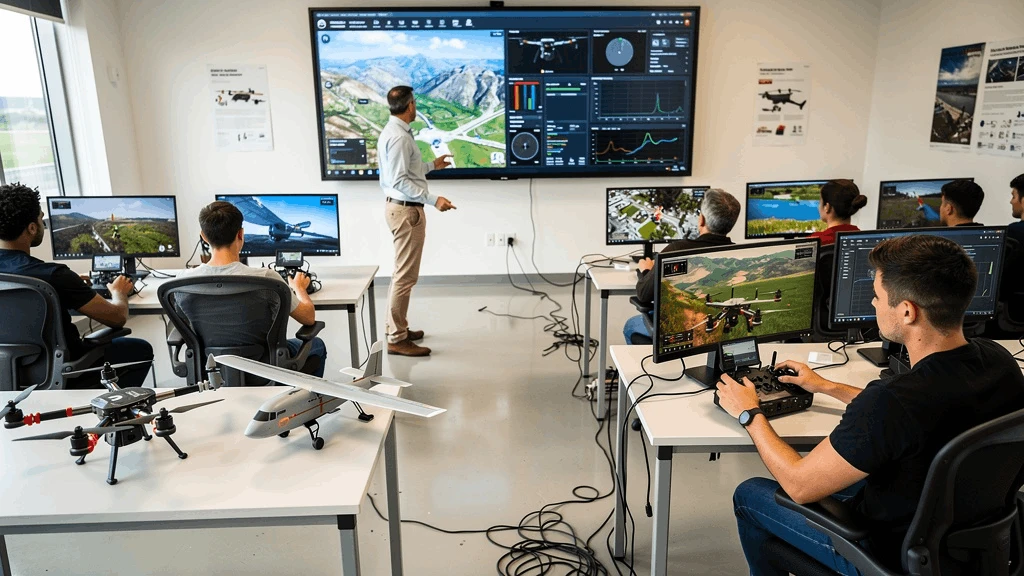
However, if you want access to the full suite of FPV racing tracks ("Neon Tube," "Seven Gates Canyon," "Big Canyon," "FPV Air Track"), all UAV digital twins, and the ability to practice in challenging weather simulations, the Professional License ($4,900) is the complete package. It is the definitive choice for serious FPV pilots and professional training academies.
Why the Right Simulator Matters
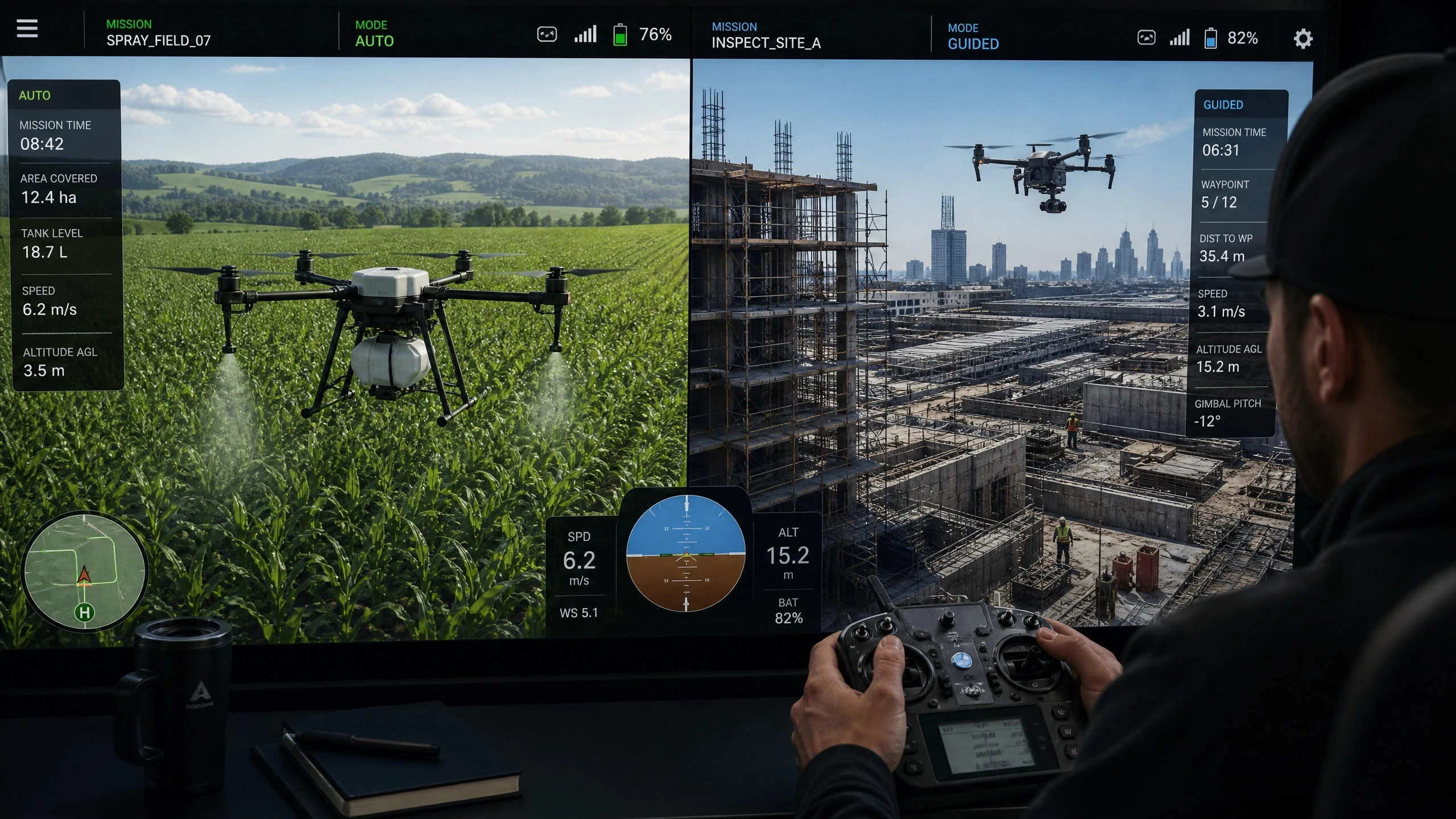
Not all simulators are created equal. To effectively transfer skills from the virtual world to the real world, the physics engine must be highly accurate. The UAVProf Drone Simulator is designed specifically for professional pilot training, offering realistic flight dynamics, customizable weather conditions (wind, rain, fog), and over 20 digital twin UAV models.
Whether you are a hobbyist looking to get into FPV racing or a professional operator preparing for complex industrial missions, starting your Acro mode journey in a high-fidelity simulator is the smartest, safest, and most cost-effective approach. The virtual crashes you experience in the simulator are not failures—they are the most valuable lessons you can receive, and they cost you nothing.