Best Drone Simulator 2026: Mastering UAV Piloting Without the Crash Costs
26 February 2026
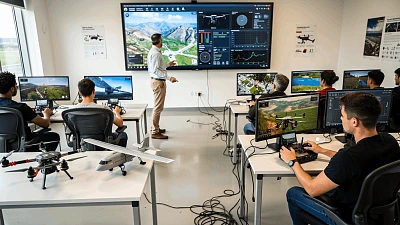
n 2026, piloting Unmanned Aerial Vehicles (UAVs) has evolved from a niche hobby into a critical skill for industries ranging from commercial cinematography to industrial inspection. However, the learning curve remains steep and expensive. A crash with professional equipment can cost thousands of dollars, not to mention the safety risks. This is why seasoned professionals and ambitious beginners alike are turning to virtual environments.
Here is your comprehensive guide to mastering drone flight through simulation, focusing on the leading solutions like UAVProf Drone Simulator.
Why Start in a Simulator?
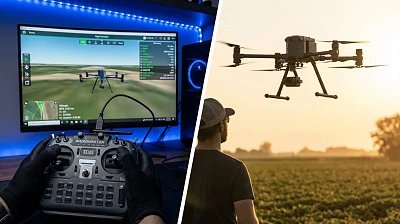
The primary value of a drone simulator is simple: it allows you to crash pixels, not plastic. In a virtual environment, you can perform hundreds of take-offs, landings, and complex maneuvers in various weather conditions. Every mistake becomes a valuable lesson rather than a financial disaster.
For aspiring commercial pilots, simulators are indispensable. They allow you to:
-
Master Physics: Understand how wind, inertia, and payload affect flight trajectory.
-
Switch Modes: Practice both manual (Acro/Rate) piloting and GPS-assisted automatic modes.
-
Prepare for Certification: Build the flight hours and muscle memory required for regulatory licensing exams.
Choosing the Right Simulator: Key Criteria
Not all simulators are created equal. To ensure skills transfer to the real world, look for:
-
High-Fidelity Physics: The software must accurately model aerodynamics, motor thrust, and gravity.
-
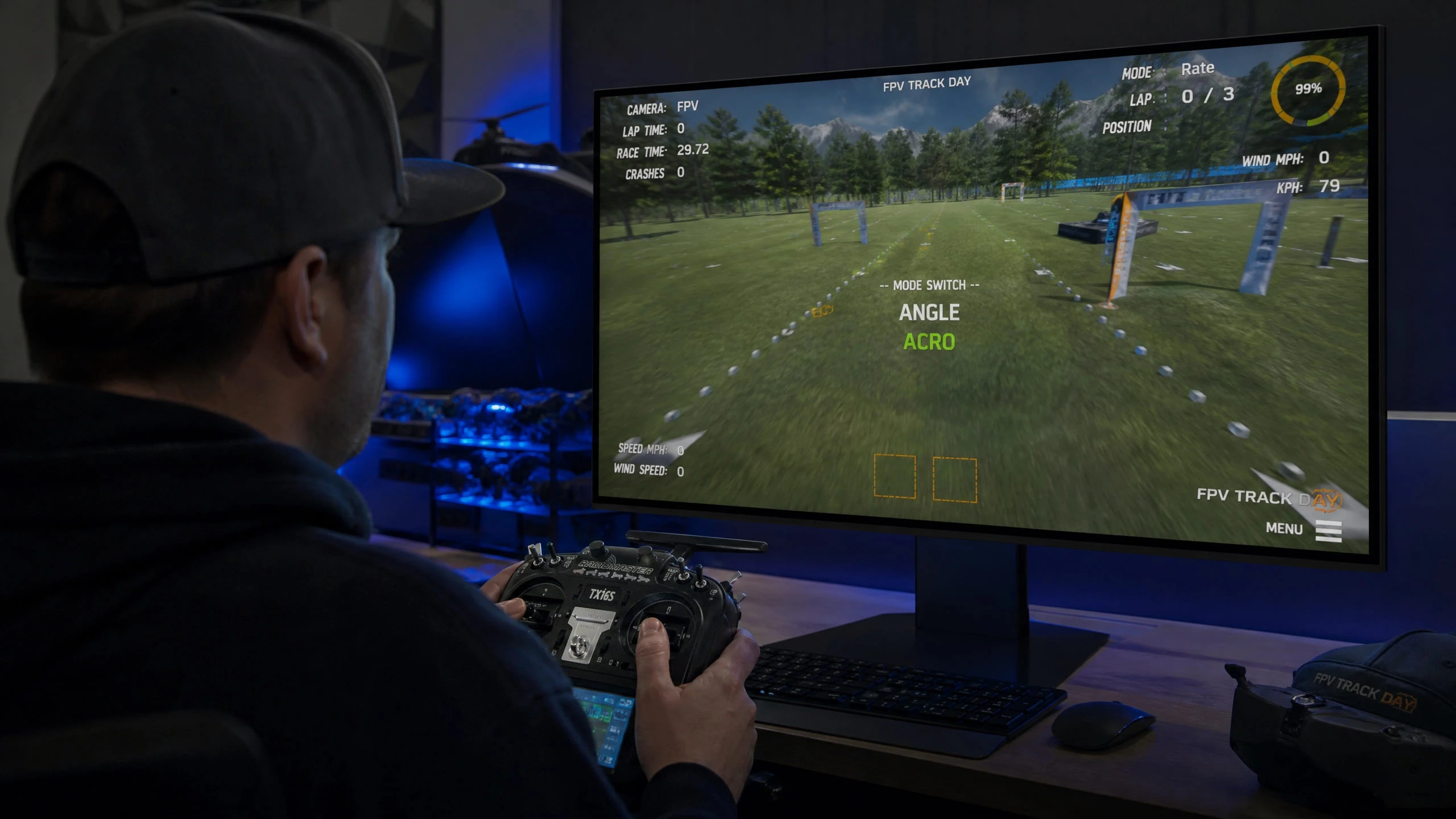
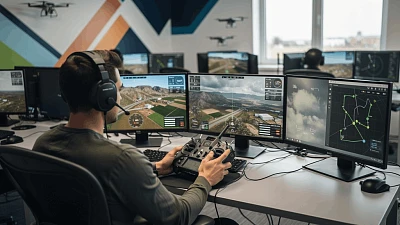
Controller Support: Tou must be able to use real radio transmitters (like RadioMaster or FrSky), not just gamepads or keyboards. This is crucial for developing muscle memory.
-
Scenario Variety: From open fields to dense urban environments and industrial sites.
-
Low Latency: The response time must be instant to mimic the connection between a transmitter and a real drone.
Spotlight: UAVProf Drone Simulator
One of the standout platforms in the 2026 market is UAVProf. Unlike arcade-style games, this system is built on a professional modular architecture designed for serious operator training.
Why Professionals Choose UAVProf:
-
Real Autopilot Integration: It utilizes the PX4 open-source autopilot code, meaning the virtual drone behaves exactly like a real industrial machine.
-
Ground Station Support: It integrates seamlessly with QGroundControl, allowing operators to practice mission planning and telemetry analysis just as they would in the field.
-
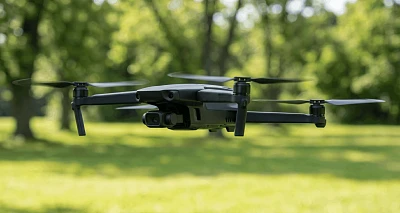
Fleet Diversity: The library includes precise digital twins of popular models, including the Mavic 3, Matrice 300, Autel EVO 2, and agricultural giants like the Agras T10.
Tailored Licenses for Every Goal
UAVProf offers specialized versions to match your career path:
-
Training: The essential start. Covers basic maneuvers, photography, and cargo delivery.
-
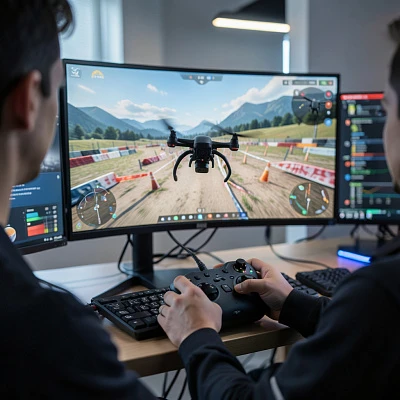
Aero-Racing: Dedicated to FPV (First Person View) flight. High-speed tracks and obstacle courses to sharpen reflex time.
-
Desktop & Autonomous: Focused on the PX4 autopilot. Ideal for those learning to program automated missions and analyze flight logs.
-
Professional: The complete package for commercial operators, featuring industrial inspections, SAR (Search and Rescue), and agricultural monitoring.
The Training Pathway: Zero to Hero
A structured approach is vital. The curriculum typically follows this progression:
-
Basics: Mastering the “Take-off and Landing” cycle until it becomes second nature.
-
Coordination: Learning Pitch, Roll, and Yaw control. Moving smoothly and stopping precisely.
-
Applied Skills: Flying simulated photogrammetry missions or delivering medical kits in SAR scenarios.
-
Emergency Drills: Handling motor failures or GPS loss—situations you cannot safely practice with a real drone.
Hardware Requirements & Gear
To run modern simulators effectively in 2026, your PC needs a dedicated GPU (Nvidia RTX 3060 Ti or higher recommended for max settings) and at least 16GB of RAM.
Crucially, invest in a real radio controller.
Connecting a transmitter via USB allows you to build the exact muscle memory needed for real flight. Top recommendations include:
-
RadioMaster TX16S MKII: The gold standard for versatility and ergonomics.
-
TBS Tango 2: Perfect for FPV pilots who prefer a gamepad style.
-
FrSky Taranis Series: Reliable workhorses with a massive community.
From Virtual to Reality
After 20–30 hours of simulation, the transition to reality should be gradual. Start with a durable, sub-250g drone (like a “Tiny Whoop” or a Mini series) in an open field. You will find that your fingers “know” what to do automatically.
In 2026, simulation isn’t just a stepping stone; it’s a constant companion. Whether you are learning to fly FPV, preparing for a high-stakes industrial inspection, or testing autonomous code, the simulator provides the safe harbor where professional skills are forged.
Interesting articles
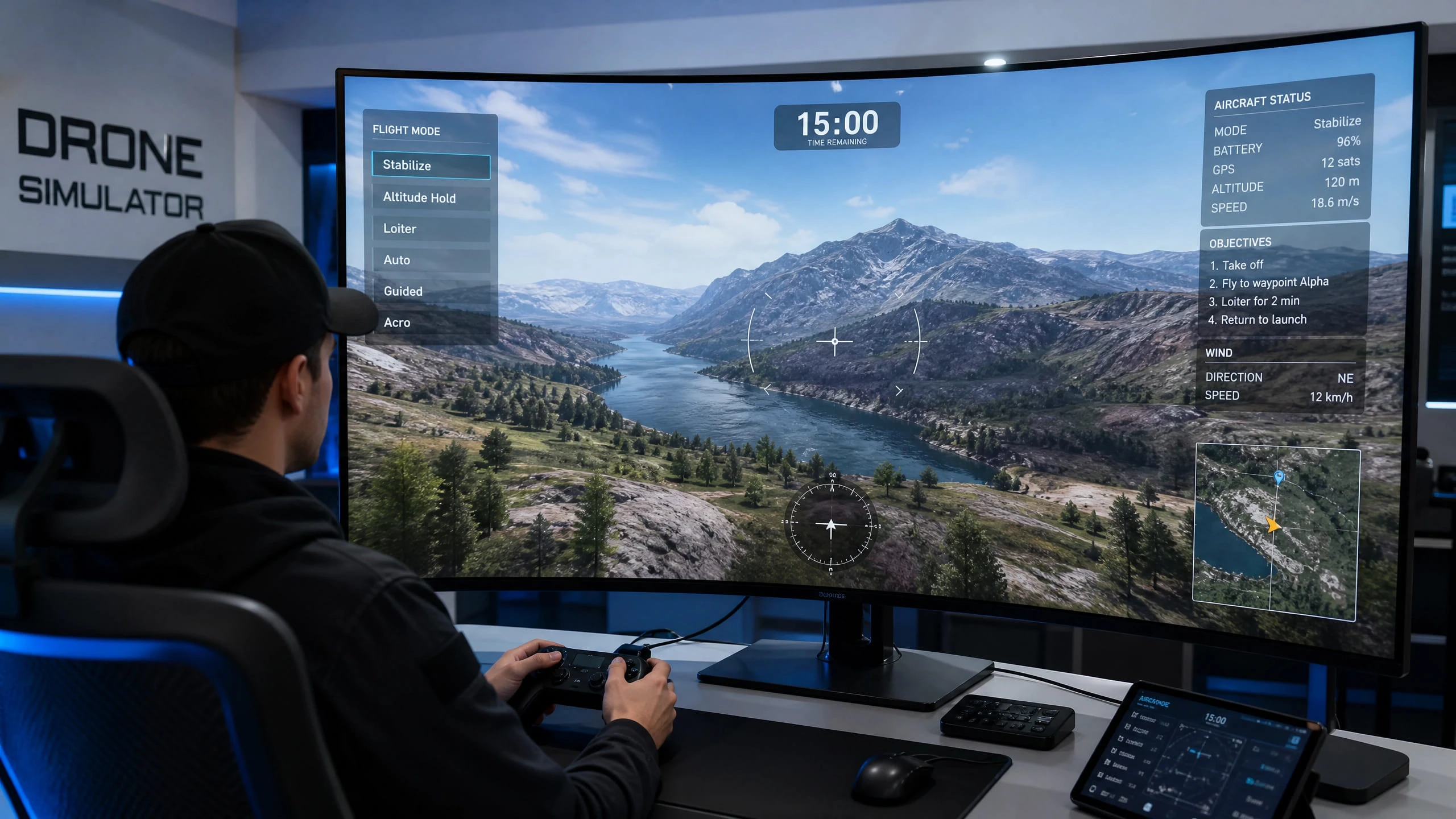
Test-Drive All Flight Modes in 15 Minutes: How a Simulator Accelerates Drone Mastery
Read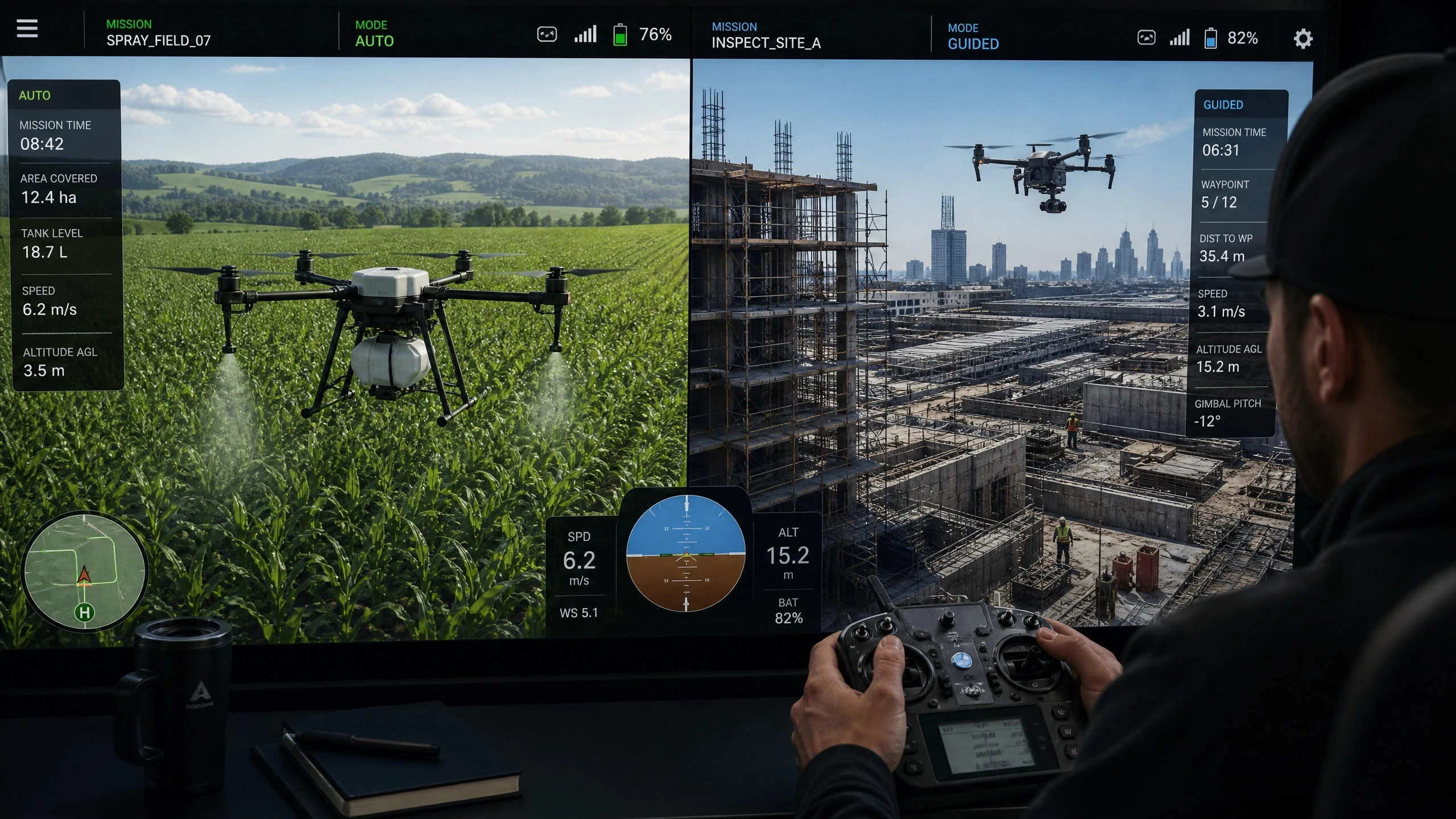
Task-Specific Operator Training: Critical Flight Modes for Agriculture, Construction, and Inspection
Read