Test-Drive All Flight Modes in 15 Minutes: How a Simulator Accelerates Drone Mastery
1 July 2026
Understanding the different flight modes of a modern Unmanned Aerial Vehicle (UAV) is the foundation of safe and effective piloting. Whether you are flying a consumer quadcopter or a heavy-lift industrial drone, the flight controller offers various modes that drastically alter how the aircraft responds to your inputs.
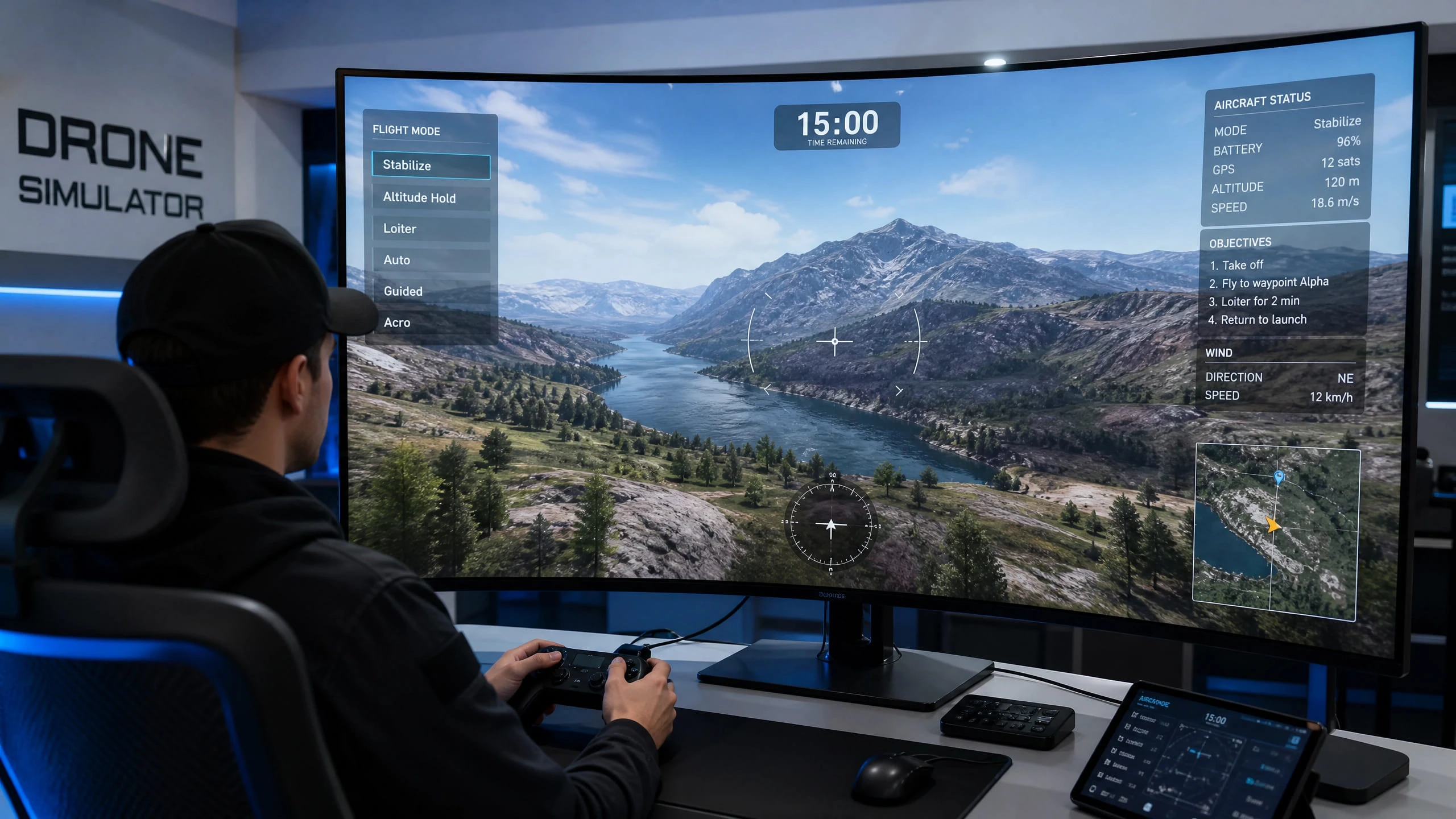
In the real world, testing these modes—especially the advanced manual ones—can be a nerve-wracking and time-consuming process. You need to find an open field, wait for good weather, ensure your batteries are charged, and mentally prepare for the possibility of a crash. However, with a professional training software like the UAVProf Drone Simulator, you can safely test-drive every critical flight mode in just 15 minutes.
The 15-Minute Simulator Drill
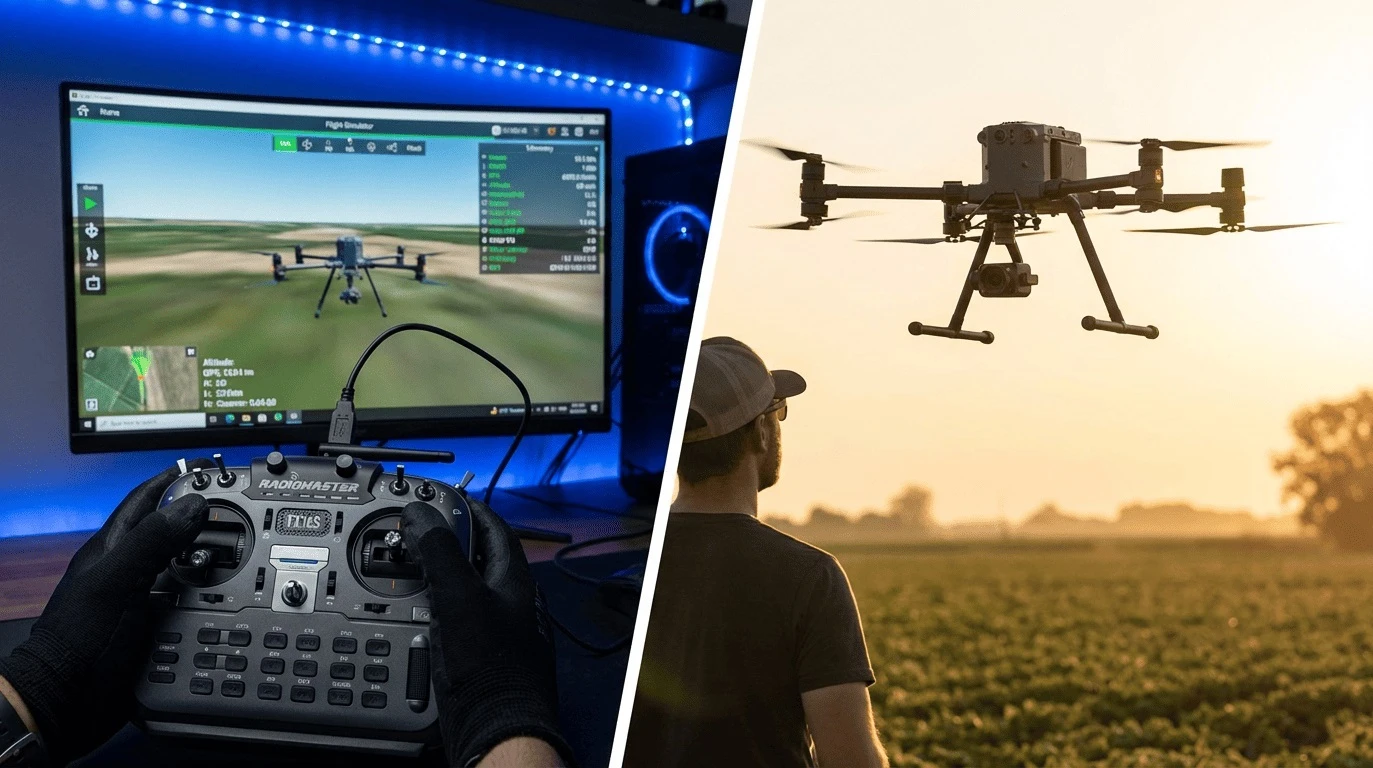
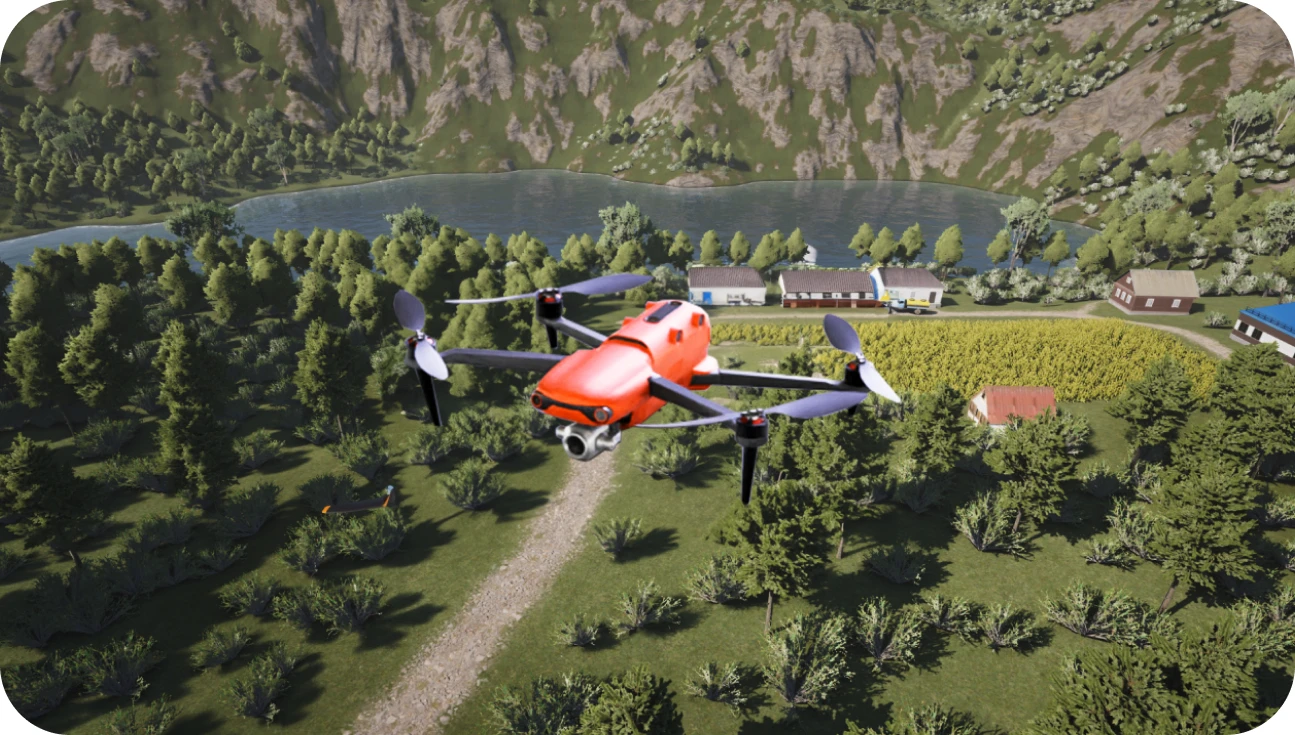
This quick, structured exercise is designed to give you a rapid, hands-on understanding of how the drone behaves under different stabilization and navigation rules. Boot up the UAVProf Simulator, select a wide-open map like "Countryside," and grab your controller. Let’s begin the clock.
Minutes 0-3: Position Mode (GPS / Loiter)
What it is: This is the default mode for almost all modern consumer and enterprise drones (often called P-Mode or Loiter). It utilizes both GPS satellites and downward-facing vision sensors to hold the drone's position perfectly still when you release the sticks.
The Drill: Take off and climb to 20 meters. Push the right stick forward to fly at full speed, then abruptly let go. Watch how the drone actively brakes and locks itself into a hover. Practice flying simple squares and circles. Notice how easy and forgiving the controls feel. This mode is your safety net.
Minutes 3-6: Attitude Mode (ATTI / Stabilize)
What it is: ATTI mode turns off the GPS positioning but keeps the internal gyroscopes active. The drone will automatically stay level (horizontal) when you release the sticks, but it will not hold its position. If there is wind, the drone will drift with it.
The Drill: In the simulator settings, add a moderate crosswind. Switch to ATTI mode. You will immediately notice the drone beginning to drift. Your task is to hold the drone in one spot manually, constantly fighting the virtual wind with small stick corrections. This is a critical emergency skill; if your drone loses GPS signal in the real world, it will automatically default to ATTI mode, and you must know how to fly it home safely.
Minutes 6-9: Horizon / Sport Mode
What it is: Depending on the drone model, this mode either increases the maximum tilt angle for faster flight (Sport mode) or blends self-leveling with the ability to perform flips (Horizon mode).
The Drill: Switch to this mode and push the throttle and pitch. Notice the dramatic increase in speed and responsiveness. The drone feels heavier and takes longer to brake. Practice flying fast, sweeping turns. This mode teaches you to anticipate momentum and manage inertia, which is crucial when flying heavier industrial payloads.
Minutes 9-12: Acro Mode (Manual / Rate)
What it is: All stabilization is turned off. The sticks control the rate of rotation, not the angle. If you tilt the drone 30 degrees forward and let go, it stays tilted 30 degrees forward until you manually pull back to level it.
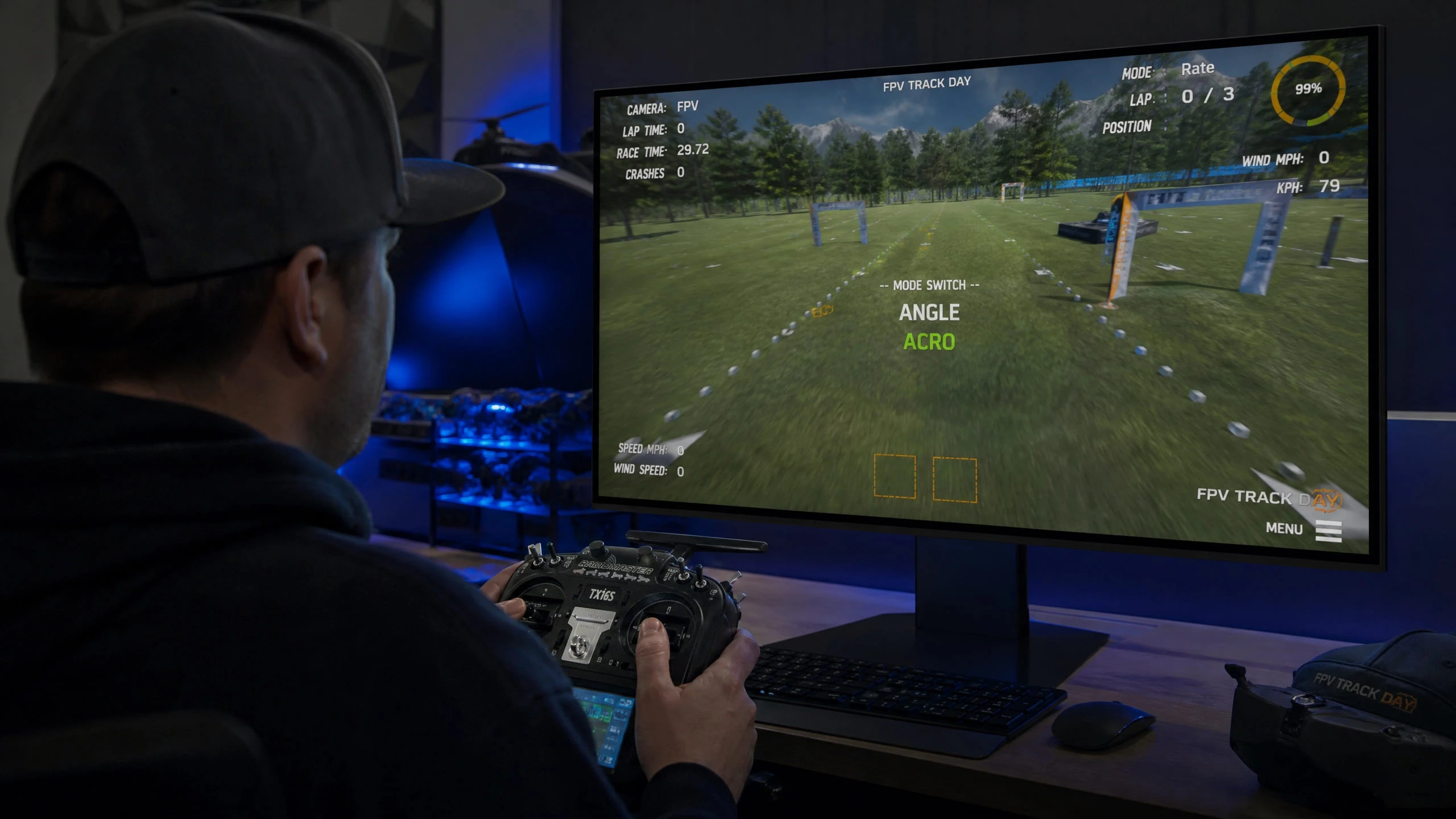
The Drill: Switch to Acro mode. Gently pitch forward and try to maintain a steady, slow forward flight. Then, attempt a slow, coordinated turn. It will feel incredibly sensitive and difficult at first. You will likely crash—and that is exactly the point of the simulator. Press reset and try again. Acro mode is essential for FPV racing and smooth cinematic flying.
Minutes 12-15: Autonomous / Auto Mode
What it is: The drone flies itself based on a pre-programmed mission path using waypoints. The pilot acts as an observer, ready to take manual control if necessary.
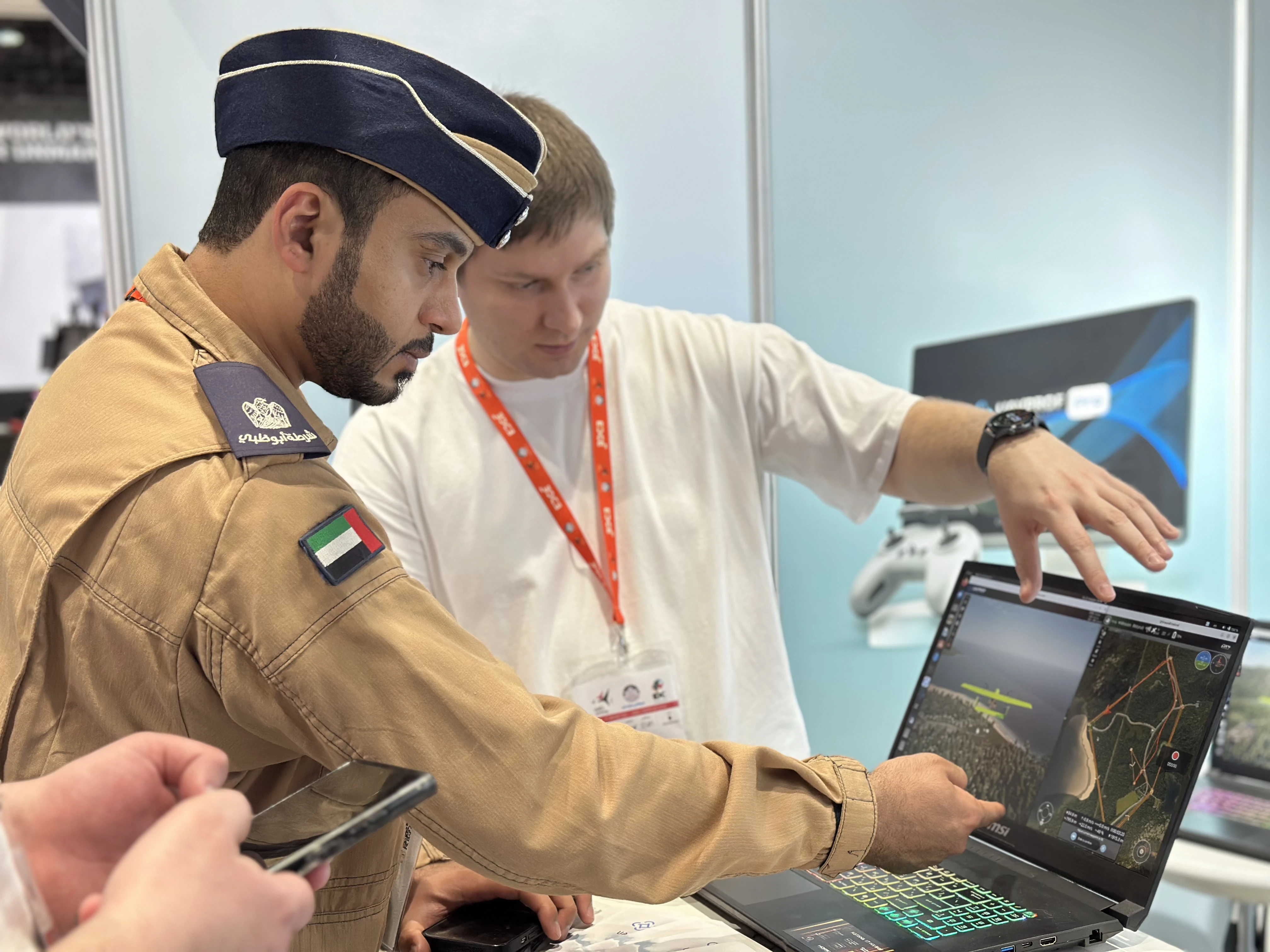
The Drill: Use the simulator's integrated mission planner (like the QGroundControl emulator in the UAVProf Professional version). Set three waypoints on the map. Engage Auto mode and watch the drone execute the route. While it flies, practice interrupting the mission by switching back to Position or ATTI mode to simulate an emergency takeover.
The Critical Skill: Emergency Mode Switching
Beyond simply understanding each mode in isolation, the most important skill a professional drone pilot can develop is the ability to switch modes quickly and decisively in an emergency. Real-world scenarios demand this constantly.
Imagine your drone is executing an autonomous mapping mission (Auto Mode) when it suddenly approaches an unexpected obstacle that the mission planner did not account for. You have approximately two seconds to switch to Position Mode, take manual control, and navigate around the obstacle before a collision occurs. This is a skill that can only be built through repetition.
In the UAVProf Simulator, you can practice this exact scenario. Set up an autonomous mission, then deliberately interrupt it at different points, switching between Position, ATTI, and even Acro mode. Train yourself to make these transitions smoothly and without panic. The simulator's ability to instantly reset after a crash means you can repeat this drill dozens of times in a single session.
Building a Structured Training Progression
The 15-minute drill described above is an excellent introduction, but a complete training program should be structured progressively. A recommended training pathway using the UAVProf Simulator would begin with mastering Position Mode across all basic maneuver missions, then move to ATTI Mode in increasingly windy conditions, followed by extended practice in Sport/Horizon Mode, and finally, dedicated Acro Mode sessions using the FPV tracks.
Only after achieving consistent proficiency in all manual modes should a pilot begin practicing autonomous missions. Understanding how to fly manually is what gives a pilot the confidence and competence to manage autonomous operations safely, because they know they can always take over.
Choosing the Right UAVProf License for Your Goals
The UAVProf Drone Simulator offers a clear licensing path that matches your training ambitions. If you are an individual pilot looking to master the core flight modes, the Base License ($990) gives you access to the foundational manual flight training missions that cover all the essential modes.
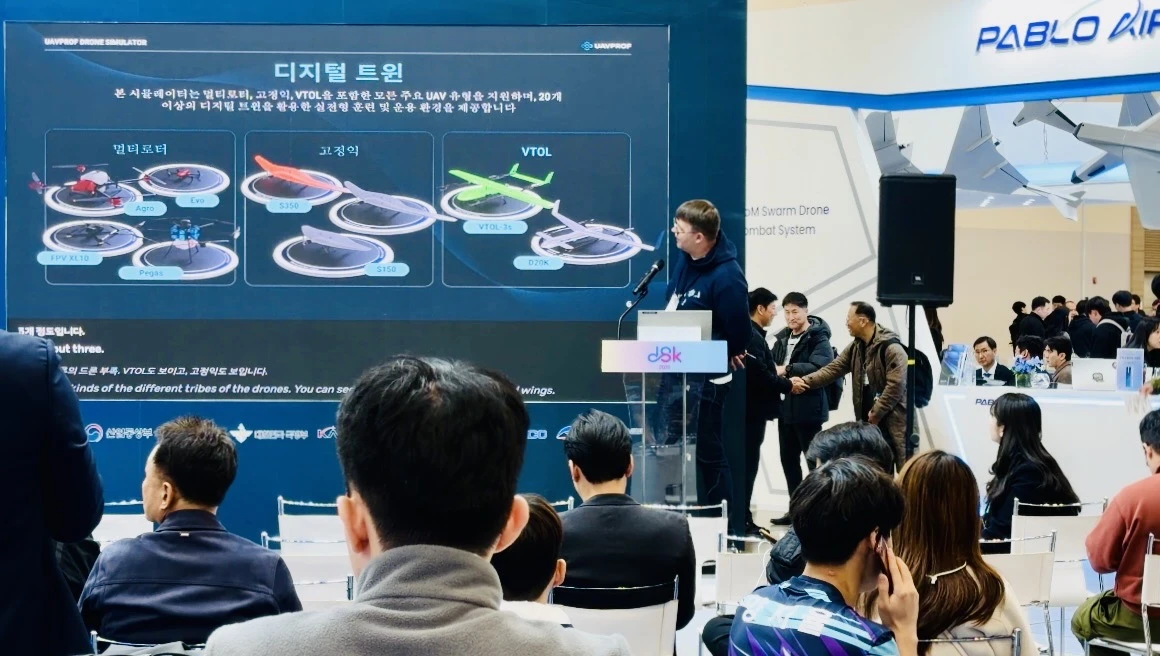
For pilots and training organizations that want the complete experience—including all autonomous mission scenarios, the QGroundControl emulator for mission planning practice, all 6 digital world environments, and the full catalog of over 20 UAV digital twins—the Professional License ($4,900) is the definitive investment. It provides everything needed to train operators from their very first hover all the way through to complex, multi-waypoint autonomous industrial missions.
Why Simulation is the Ultimate Accelerator
In just 15 minutes, you have experienced the full spectrum of UAV flight dynamics. Attempting this in the real world would require significant time, optimal conditions, and a high tolerance for risk. A single crash during real-world mode-switching practice could cost hundreds or thousands of dollars in repairs.
A professional simulator accelerates the learning curve by allowing pilots to instantly switch between environments, weather conditions, and flight modes. By repeatedly exposing yourself to these different control schemes in the virtual world, you build the muscle memory and confidence required to handle any situation in the real world. The best drone pilots are not those who have never crashed—they are those who have crashed thousands of times in a simulator and learned from every single one.